Video editing,
made simple
Just upload your video.
Midokoroll takes care of the editing.
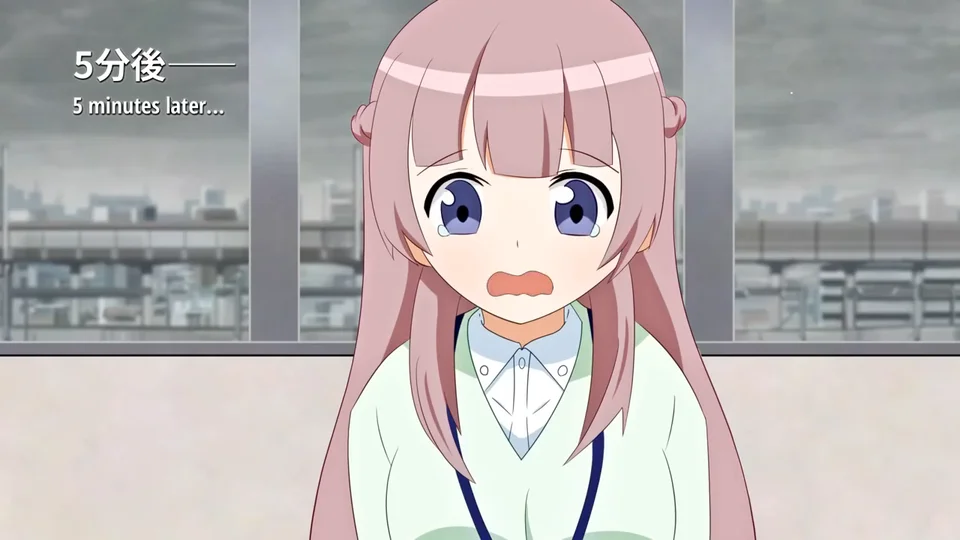 Example: KOSYS! Episode 3 Part 1 (original edition)
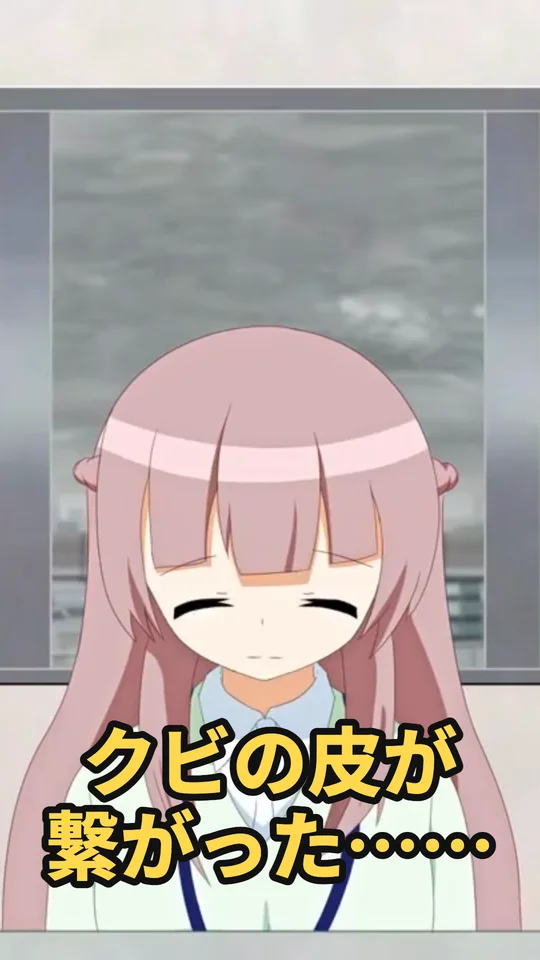
Example: KOSYS! Episode 3 Part 1 (original edition) · © OPAP-JP contributors · CC BY 4.0 · Excerpts with added subtitles, rearranged layout, screenshots and cropping. Font-derived image and trademark notices
Choose a service. We’ll take it from there.
Automatic editing
Give us a video and we’ll take it through to completionAutomatic clips
Turn highlights from a long video into landscape clips.
See examplesAutomatic Shorts
Turn highlights from a long video into vertical Shorts.
See examplesFind clip points
First, choose the scenes to useFind clip scenes
Find scenes suitable for clips and list them.
See examplesSilence cut
Trims the pauses where nobody speaks for a snappier video.
See examplesSubtitles
Next, add subtitles and make them easy to readGenerate subtitles
Create subtitles from a registered video or an audio file, proofread the wording, and save them.
See examplesAutomatic subtitle editing
Improve subtitles in clips and Shorts with typo corrections, line breaks and emphasis.
See examplesPrepare to post
Finally, prepare your thumbnail and descriptionGenerate thumbnails
Create thumbnail ideas from scenes in your video.
See examplesCreate description
Create a source title and URL, hashtags and search tags.
See examplesCreate timestamps
Create a table of contents for the video description or comments.
See examplesOne vertical Short from a 2-hour stream
Example: turning a stream archive (2:14:08) into automatic Shorts
Manual editing
Rewatch the archiveFind scenes to useCut and make it verticalAdd subtitlesExport
Midokoroll
- Upload video
- Choose “Automatic Shorts” and set the length and layout
- Download a subtitled vertical Short in about 12 minutes